No-KYC Payment Gateways vs Crypto Cards: What's Better?
Two tools let you spend crypto without identity verification: no-KYC crypto cards and no-KYC payment gateways. They solve the same problem — spending crypto privately — but work in completely different ways.
Here's when to use each.
What's the Difference?
No-KYC crypto card: You load crypto onto a Visa/Mastercard, and it converts to fiat. You spend anywhere cards are accepted — online, in-store, ATMs. The merchant sees a normal card payment.
No-KYC payment gateway: A service that lets merchants accept crypto directly. You pay in crypto, the merchant receives crypto (or fiat via the gateway's conversion). No card involved.
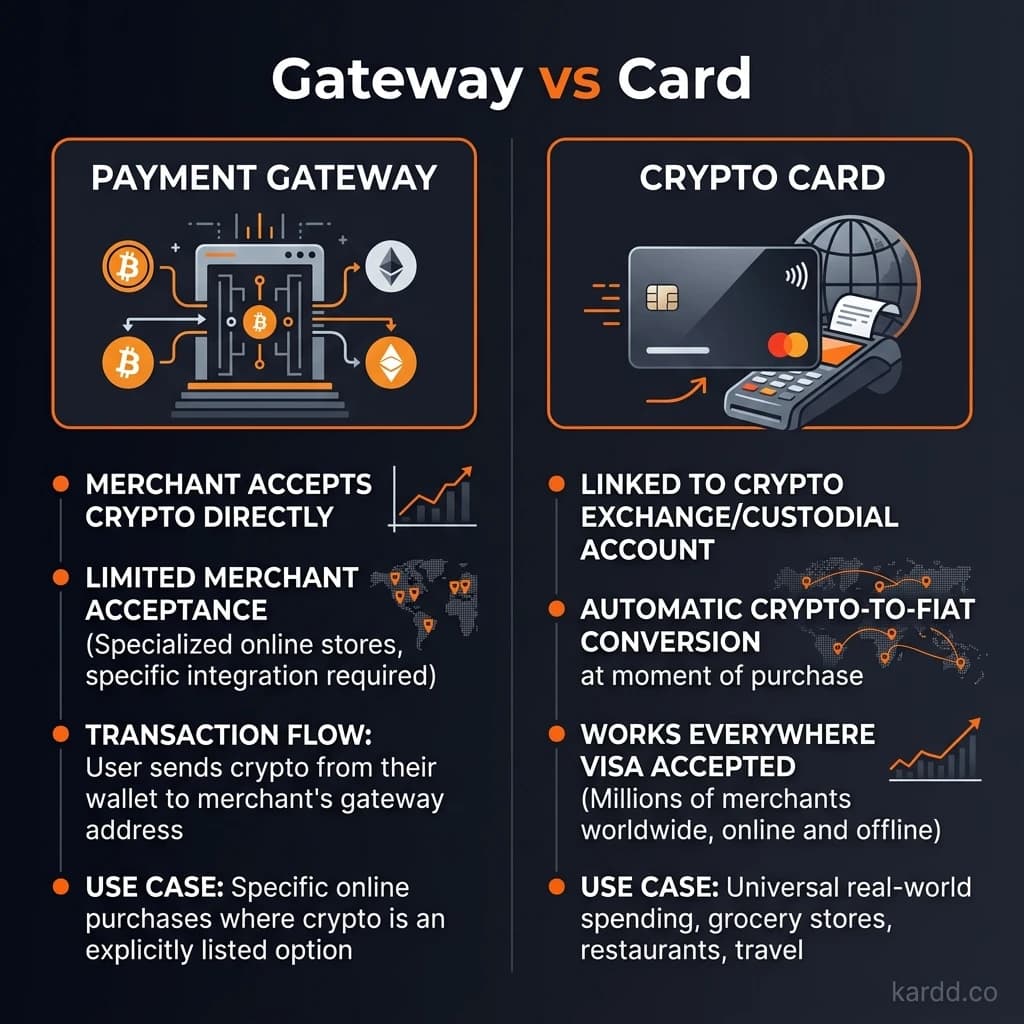
The key distinction: crypto cards work at ANY merchant (because they use Visa/MC). Payment gateways only work at merchants that accept them.
No-KYC Crypto Cards Explained
How it works:
- Load crypto (USDT, SOL, BTC, etc.) onto a prepaid card
- Card provider converts crypto to fiat (USD, EUR, etc.)
- Spend via Visa/Mastercard at any of 80M+ merchants worldwide
- Tap with Apple Pay / Google Pay, use online, or withdraw at ATMs
Pros: Works everywhere, Apple Pay/Google Pay on some cards, ATM cash access, merchant doesn't know crypto is involved.
Cons: 1-5% top-up fees + exchange rate spreads, monthly limits, card can be frozen or shut down.
No-KYC Payment Gateways Explained
How it works:
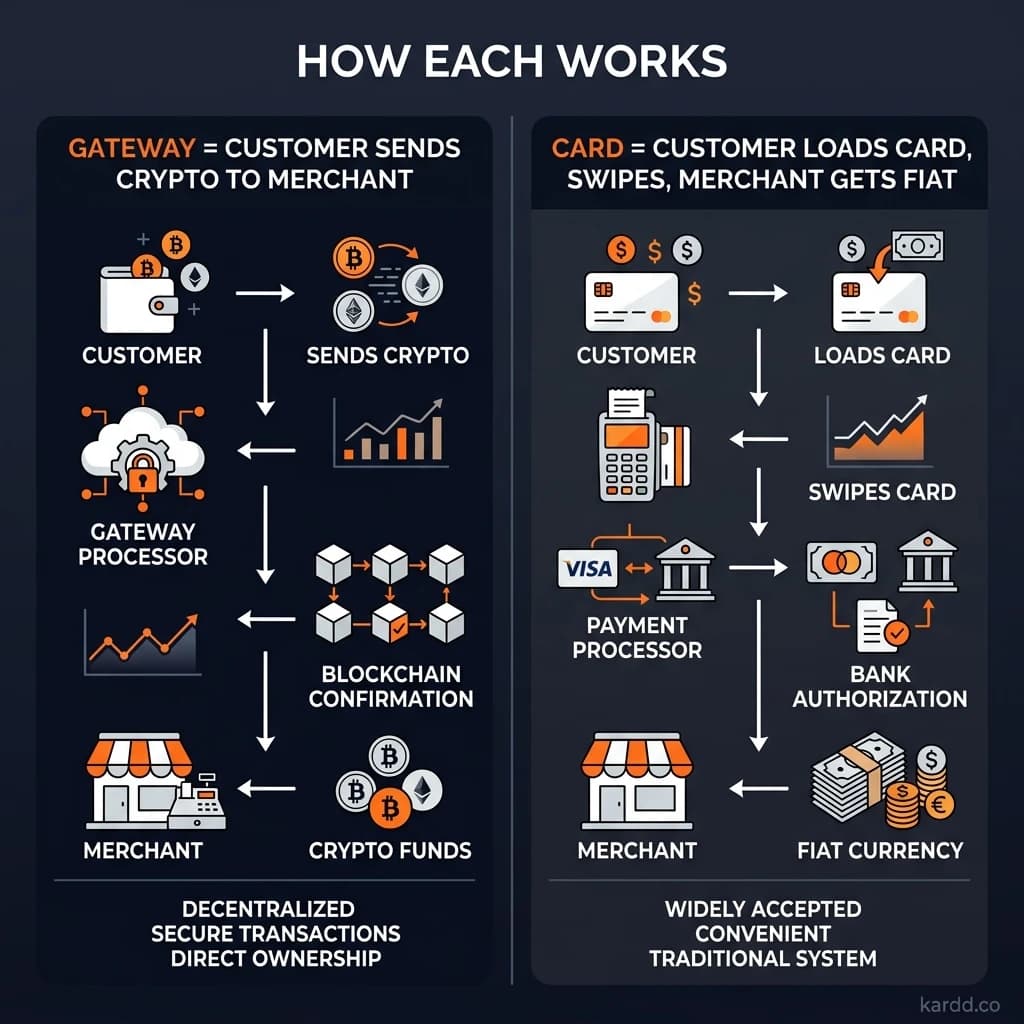
- Merchant integrates a payment gateway (BTCPay Server, NexaPay, NOWPayments, etc.)
- At checkout, you select “Pay with crypto”
- You send crypto from your wallet to a payment address
- Gateway confirms payment and completes the order
Popular no-KYC gateways: BTCPay Server (self-hosted, open source), NexaPay, NOWPayments (200+ crypto), CoinGate.
Pros: No card intermediary, lower fees (0.5-2%), no shutdown risk, broader crypto support (200+ tokens), non-custodial options.
Cons: Only works at participating merchants, mostly online only, no Apple/Google Pay, no ATM access.
Head-to-Head Comparison
| Factor | No-KYC Crypto Card | No-KYC Payment Gateway |
|---|---|---|
| Where it works | Any Visa/MC merchant (80M+) | Only gateway-integrated merchants |
| Online shopping | Universal | Limited to participating merchants |
| In-store shopping | Yes (tap/chip/PIN) | Rare (mostly online) |
| Apple/Google Pay | Yes (select cards) | No |
| ATM cash access | Yes (physical cards) | No |
| Fees | 1-5% + spreads | 0.5-2% (often cheaper) |
| Crypto supported | 1-10 per card | 50-200+ per gateway |
| Privacy level | High (card masks crypto) | Higher (direct wallet payment) |
| Shutdown risk | Yes (Visa/MC can terminate) | Lower (decentralized options exist) |
| Monthly limits | $500-$100K | Usually none |
When to Use a Crypto Card
A no-KYC crypto card is better when:
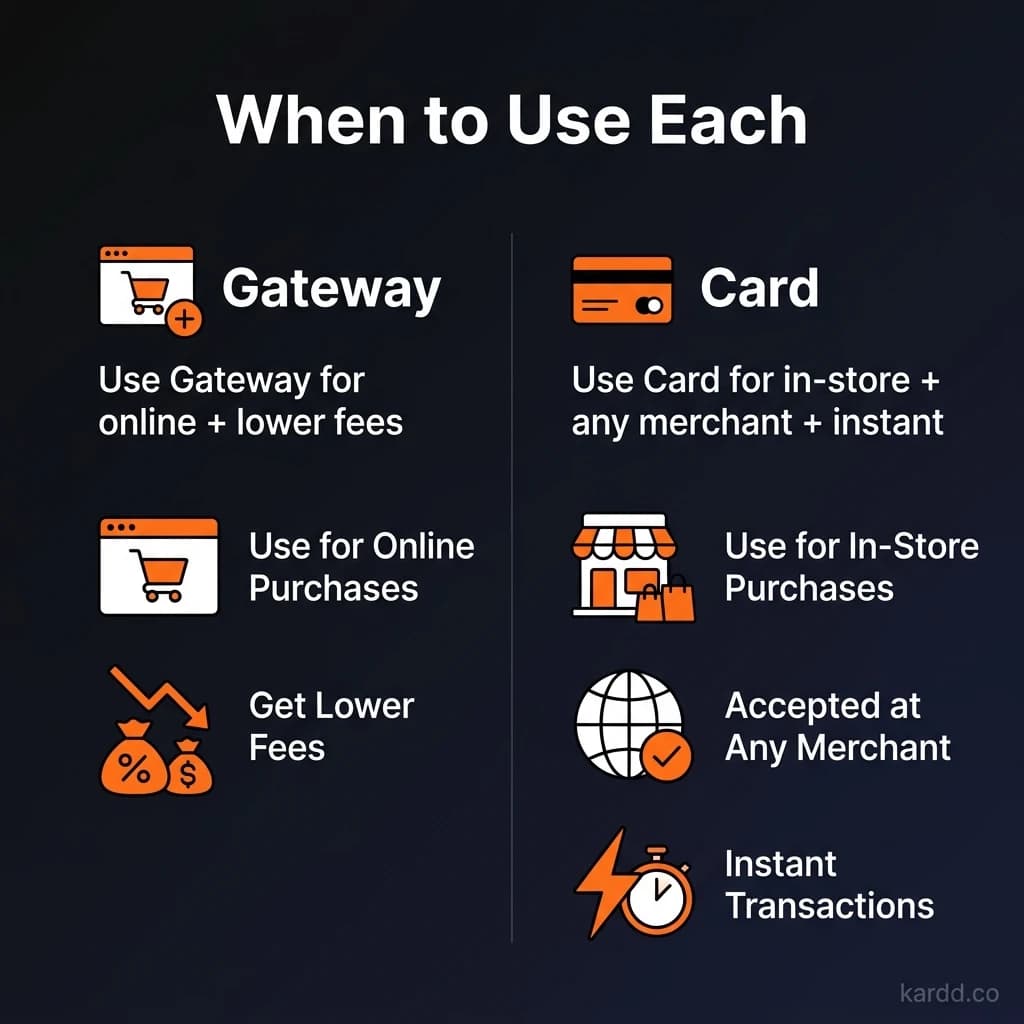
- You need to pay at mainstream merchants (Amazon, Uber, restaurants, groceries)
- You want a single payment method that works everywhere
- You need in-store tap-to-pay capability
- You want ATM cash access
- The merchant doesn't accept crypto directly
Best cards for general spending:
- XKard — Zero KYC, Apple+Google Pay, up to $100K/month
- SolCard — SOL native, both mobile wallets
- BingCard — Cheapest fees (1%)
When to Use a Payment Gateway
A payment gateway is better when:
- The merchant accepts crypto payments directly
- You want the lowest possible fees (0.5-2% vs 1-5%)
- You're paying for online services, VPNs, hosting, or digital goods
- You want to pay with tokens not supported by cards
- You prefer non-custodial payments (no balance on a third-party card)
Common gateway-accepting merchants: VPN services, hosting providers, domain registrars, crypto-native businesses, freelance platforms.
Can You Use Both?
Yes — and most experienced crypto spenders do. The optimal setup:
- No-KYC crypto card for everyday spending (groceries, restaurants, subscriptions, in-store)
- Payment gateway for crypto-native merchants (VPNs, hosting, digital services)
- Coinsbee gift cards as a third option for specific retailers
This three-layer approach gives you maximum coverage with minimal KYC exposure. For a curated directory of AI-powered financial and crypto tools, check out PopularAiTools.ai.
FAQ
Which is more private — a crypto card or a payment gateway?
Payment gateways are generally more private. With a non-custodial gateway (like BTCPay Server), the payment goes directly from your wallet to the merchant — no intermediary sees your transactions.
Are payment gateways safer than crypto cards?
In terms of fund loss, yes — you're not pre-loading a balance that could be frozen. Each payment is a discrete transaction from your own wallet. There's no card company that can freeze your funds.
Can I use a payment gateway for in-store purchases?
Rarely. A few merchants have QR-code-based crypto payment at the register, but this is uncommon. For in-store, a no-KYC crypto card is the practical choice.
What's the cheapest way to spend crypto without KYC?
For gateway-accepting merchants: BTCPay Server (0% platform fee). For everywhere else: BingCard at 1%, or XKard Whale at ~2.8% effective for high volume.
Conclusion
No-KYC crypto cards and payment gateways serve different purposes. Cards give you universal merchant acceptance. Gateways give you lower fees and higher privacy at crypto-friendly merchants.
The smartest approach: use both.